Techniniai Dokumentai
Specifikacijos
Markė
WagoProduct Type
PLC Programming Software
For Use With
IO Module
Standards/Approvals
No
Kilmės šalis
Germany
Produkto Aprašymas
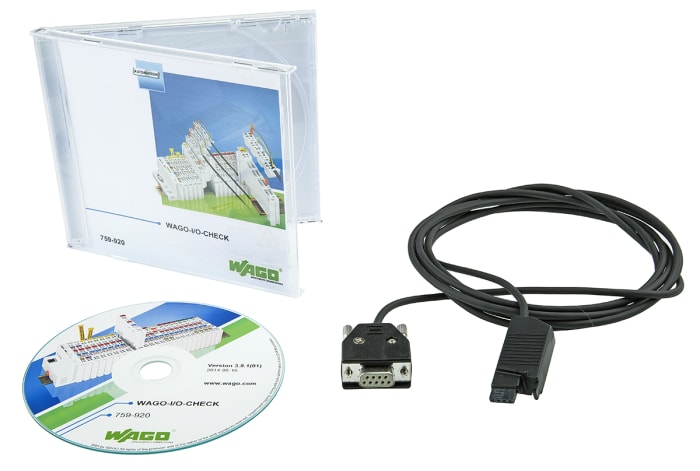
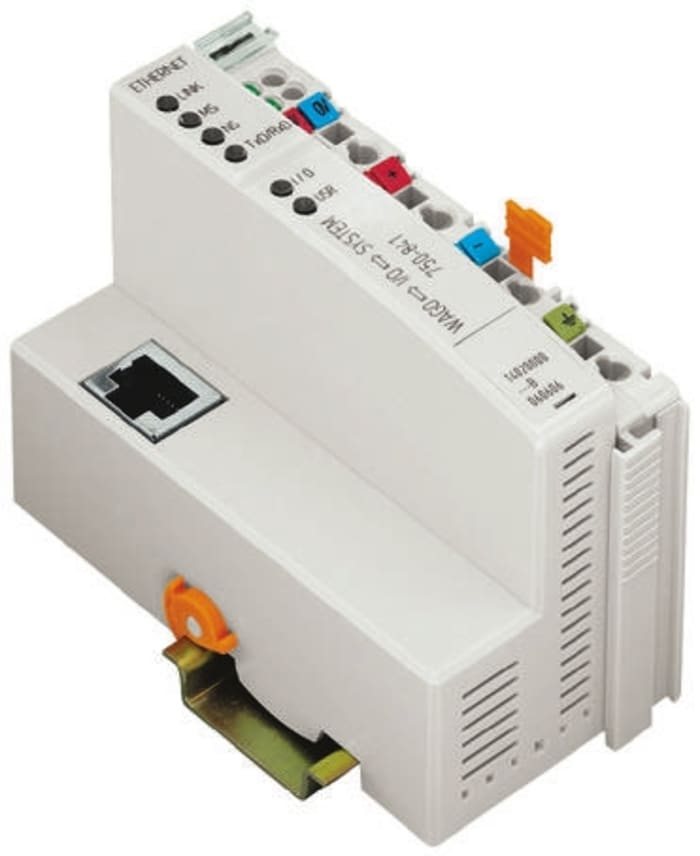
WAGO-I/O-CHECK is an easy-to-use Windows application for operating and displaying a WAGO-I/O-SYSTEM 750 node without connecting the node to a fieldbus system.
The software reads the configuration from the node and displays it as an on-screen graphic. The graphic can be printed together with a configuration list as documentation.
With WAGO-I/O-CHECK, it is possible to display and determine the process data of the bus modules. The field wiring, including all sensors and actuators, can thus be checked before startup.
Application-specific settings, such as the baud rate or sensor types, can be made with select interface, Pt100 and thermocouple modules. For communicating between WAGO-I/O-CHECK and the node, the coupler must be connected at a PCs vacant serial or USB port using the communication cable supplied in the kit with the system.
Sandėlio informacija laikinai nepasiekiama.
€ 221,02
€ 221,02 už 1 vnt. (be PVM)
€ 267,43
€ 267,43 už 1 vnt. (su PVM)
1

€ 221,02
€ 221,02 už 1 vnt. (be PVM)
€ 267,43
€ 267,43 už 1 vnt. (su PVM)
Sandėlio informacija laikinai nepasiekiama.
1
Techniniai Dokumentai
Specifikacijos
Markė
WagoProduct Type
PLC Programming Software
For Use With
IO Module
Standards/Approvals
No
Kilmės šalis
Germany
Produkto Aprašymas
WAGO-I/O-CHECK is an easy-to-use Windows application for operating and displaying a WAGO-I/O-SYSTEM 750 node without connecting the node to a fieldbus system.
The software reads the configuration from the node and displays it as an on-screen graphic. The graphic can be printed together with a configuration list as documentation.
With WAGO-I/O-CHECK, it is possible to display and determine the process data of the bus modules. The field wiring, including all sensors and actuators, can thus be checked before startup.
Application-specific settings, such as the baud rate or sensor types, can be made with select interface, Pt100 and thermocouple modules. For communicating between WAGO-I/O-CHECK and the node, the coupler must be connected at a PCs vacant serial or USB port using the communication cable supplied in the kit with the system.